Skip to content
  1. WebAcappella Tempo help
  2. The editor
  3. The theme: colors, fonts, and shapes

The theme: colors, fonts, and shapes

The Theme panel sets the appearance of the whole site at once: color palette, font pairing, corners, shadows, spacing, highlight, and motion.

The theme governs the appearance of your whole site at once: change it and every page follows, without touching your content. Its settings are grouped into three tabs: Colors, Style (fonts and shapes), and Motion.

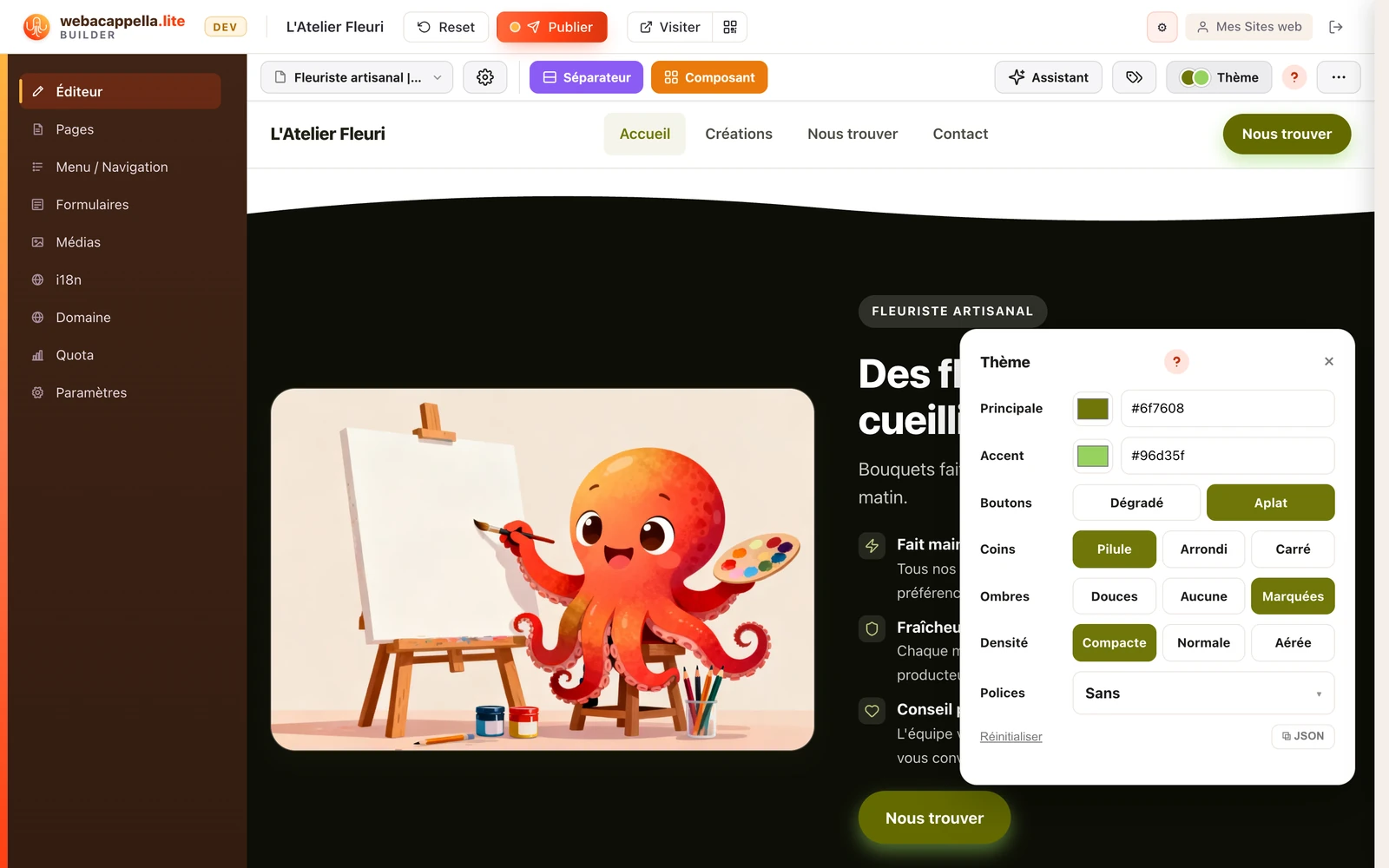
The Theme panel open on the page: primary and accent colors, buttons, corners, shadows, density, and fonts

What the theme controls

  • Colors: a consistent palette applied everywhere: backgrounds, headings, buttons, and links.
  • Fonts: a pair (headings + body text) chosen to work well together.
  • Shapes: corners (square, rounded, pill-shaped), shadows, and the spacing (spaced out or compact) of your sections.
  • Highlight: the shape given to words you highlight with ==two equals signs==, a marker stroke under the word or a band of highlighter behind it, in your theme’s colors.
  • Motion: the way sections appear as you scroll down the page, from None (nothing moves) to Calm, Lively, or Expressive, and its intensity, from one to three dots. “See on my page” shows it on the page you have open. A visitor who has asked their device to reduce animations always sees the site standing still.