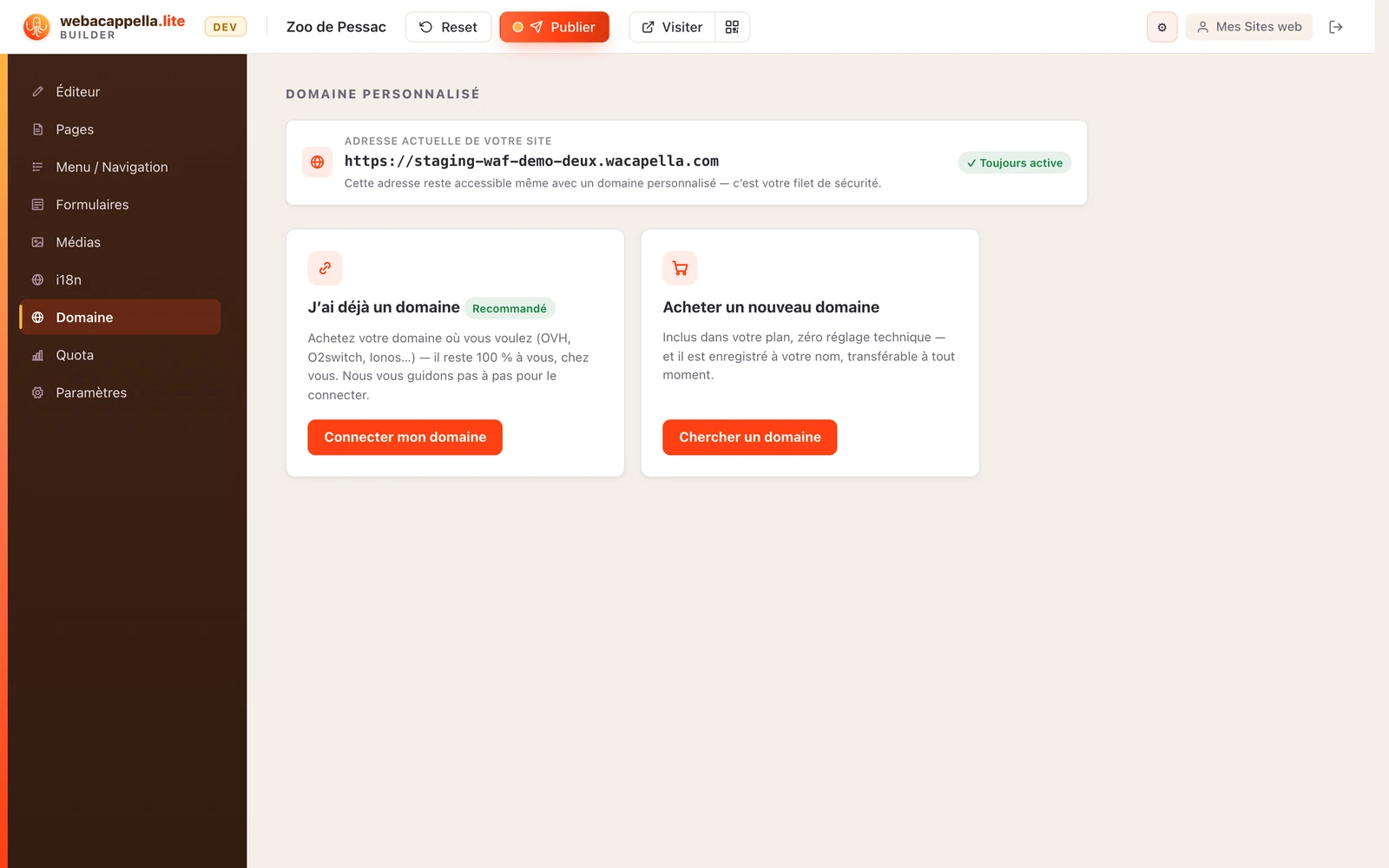
Give your website an address in your name by connecting your own domain, step by step.
Your website is live at its address, which includes wacapella.com. To use an address in your own name (such as monrestau.fr), connect your own domain from the Domain tab on your website. Don’t have a domain yet? See Choose and Purchase Your Domain Name.
Enter your domain: we’ll provide the exact settings to copy.
Add these settings to your provider’s DNS zone, see DNS Records.
That’s it: we automatically detect your settings and activate the domain, including the security certificate. You’ll receive an email as soon as it’s active.