
Create a site
How to create a new site: the process in a few questions, the automatic preparation of the first version, and what happens next.
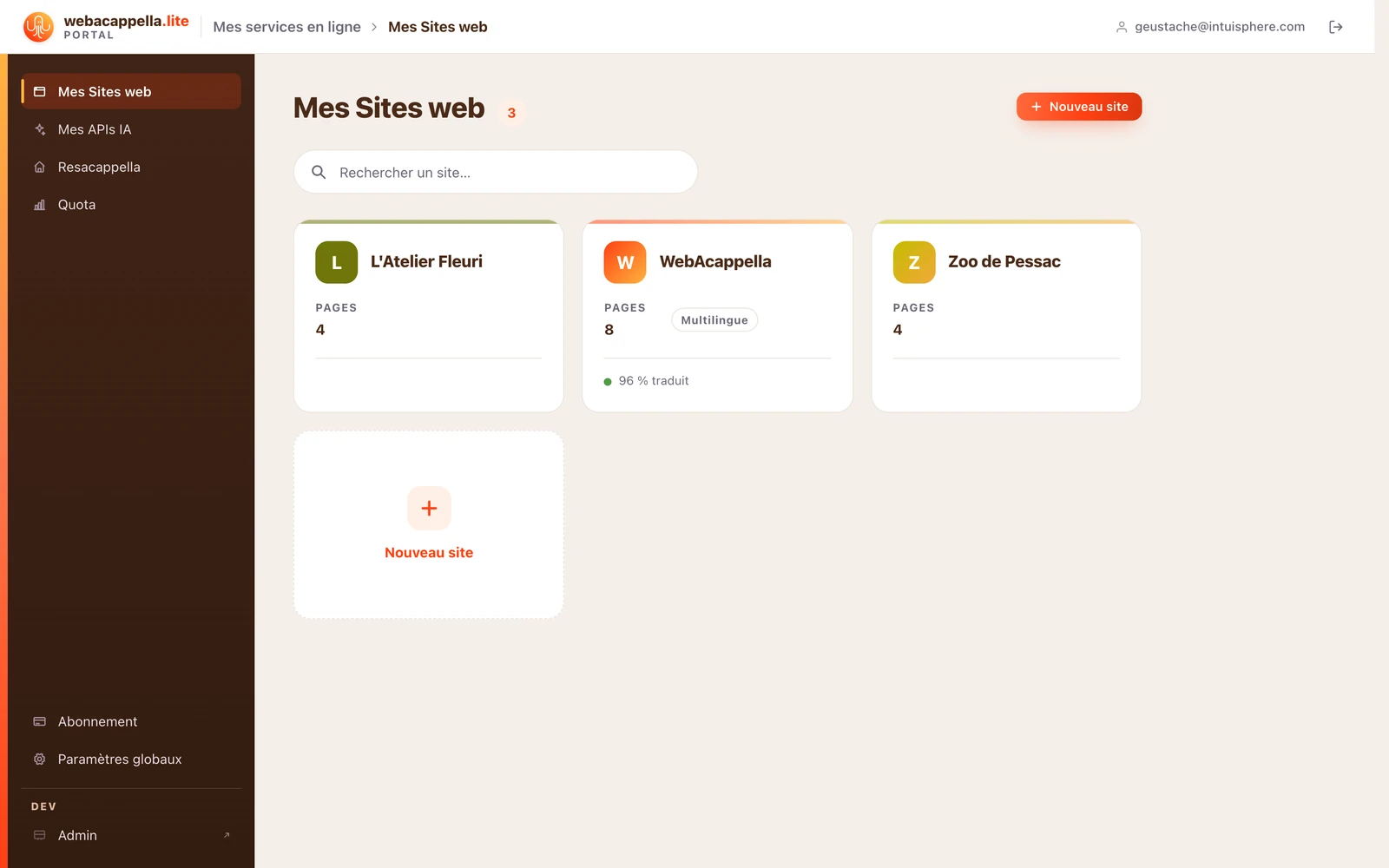
Click New Site and answer the questions (name, activity): a complete first version is prepared, with pages, colors, and starter text tailored to your sector.
What’s next?
- Replace the starter text and images with your own; see Getting Started with the Editor.
- Adjust the colors and fonts across the whole site at once; see The Theme.
- Publish: your site goes live immediately.
The creation process in detail
- Your site’s name and its language: the name appears at the top of the site; the language is that of the text.
- Tell us about your activity: a few sentences in your own words, with suggested examples. This step is optional, but it’s what produces text that sounds like you.
- Your pages: a multi-page site or a single page. The home page is always included.
- The mood, the presentation style (balanced, minimal, immersive), and your colors: a smart selection, or your own brand color.
- Review the summary, then click Create my site. Preparation takes less than a minute; you can close the page, your site will be waiting for you in “My Websites”.
The text is written by AI and the starter visuals come from our image library. When automatic writing is no longer available for your account, the site is prepared with sample text, which you can then replace or have the wizard write page by page.