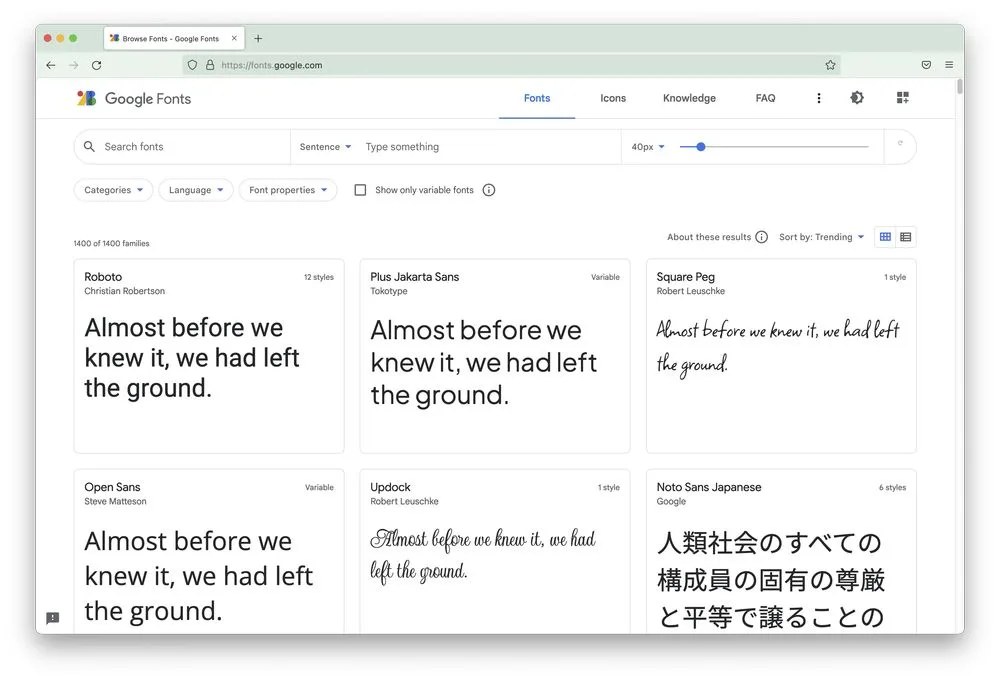
Fonts
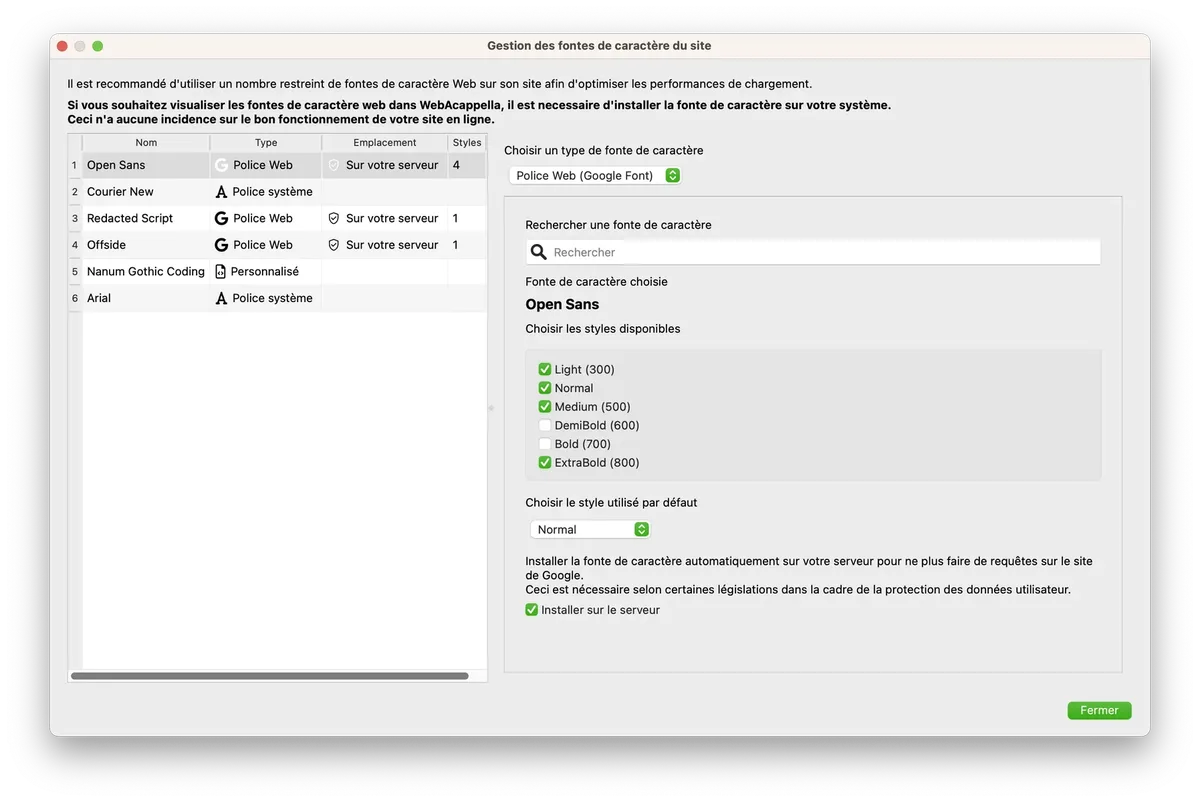
To avoid overloading your website, WebAcappella allows you to define 6 different fonts.
There are three types of fonts:
- Standard text font (already installed on your system)
- Web font (such as GoogleFonts)
- Custom web font (from free or paid files)
We recommend using a maximum of one or two web fonts across your entire site.
This will ensure fast display and a certain degree of graphic consistency.
Standard text font
Standard text fonts have been selected from those installed by default on almost all operating systems (Arial, Times, etc.).
This type of font will not consume any network resources, as it already exists on your site visitor's device.
Custom web text font
You will find websites offering web font files (free or paid).
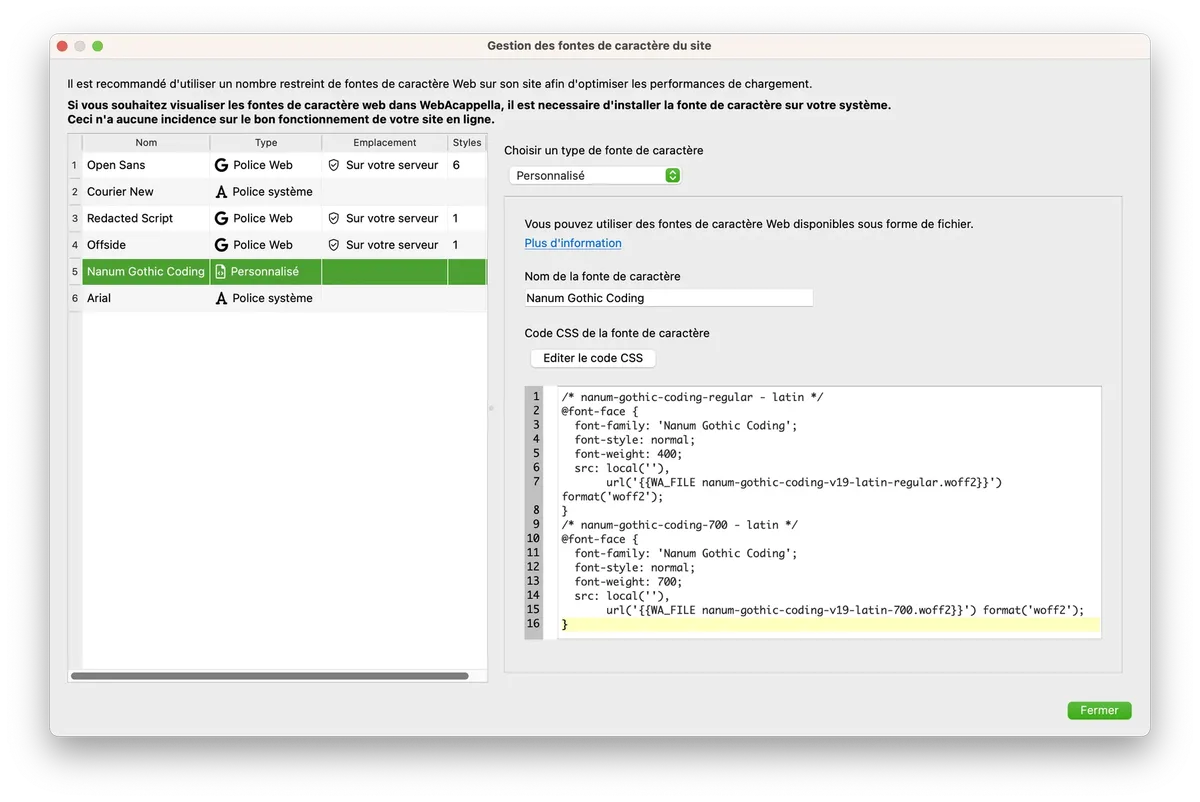
Here is an example of hosting for the 'Amatic SC' font
- Enter the font name 'Amatic SC'
- Add the woff and woff2 files to your project
- Copy the CSS code, including the file URLs ('{{ WA_FONT_FAMILY }}' will be automatically replaced by 'Amatic SC')
/* amatic-sc-regular - latin */
@font-face {
  font-family: '{{ WA_FONT_FAMILY }}';
  font-style: normal;
  font-weight: 400;
  src: local(''),
       url('{{WA_FILE amatic-sc-v24-latin-regular.woff2}}') format('woff2'), /* Chrome 26+, Opera 23+, Firefox 39+ */
       url('{{WA_FILE amatic-sc-v24-latin-regular.woff}}') format('woff'); /* Chrome 6+, Firefox 3.6+, IE 9+, Safari 5.1+ */
}
/* amatic-sc-700 - latin */
@font-face {
  font-family: '{{ WA_FONT_FAMILY }}';
  font-style: normal;
  font-weight: 700;
  src: local(''),
       url('{{WA_FILE amatic-sc-v24-latin-700.woff2}}') format('woff2'), /* Chrome 26+, Opera 23+, Firefox 39+ */
       url('{{WA_FILE amatic-sc-v24-latin-700.woff}}') format('woff'); /* Chrome 6+, Firefox 3.6+, IE 9+, Safari 5.1+ */
}
Google Web Fonts
WebAcappella lets you choose from the list of web fonts offered by Google (Google Fonts)
WebAcappella will automatically download the files and install them on your server.
(Automatic installation on the server requires a WebAcappella FUSION PRO license)