
Create your first website
Together, we will discover the basic steps for creating your first website and putting it online.
1 - Preparations before building the site
The site map is a tree structure of the different sections that make up your website.
For example: (Home, About, News, Contact)

This is an important planning stage that will define your different pages and the structure of your site.
Try to keep this structure simple so as not to confuse visitors when they are browsing.
Next comes the choice of color scheme and style.
Prepare and group all your graphic elements (photos, icons) in a folder on your computer.
You can use royalty-free graphic elements available on the Internet (Unsplash, etc.).
Feel free to draw inspiration from existing sites that you like.
2- Creating a WebAcappella project
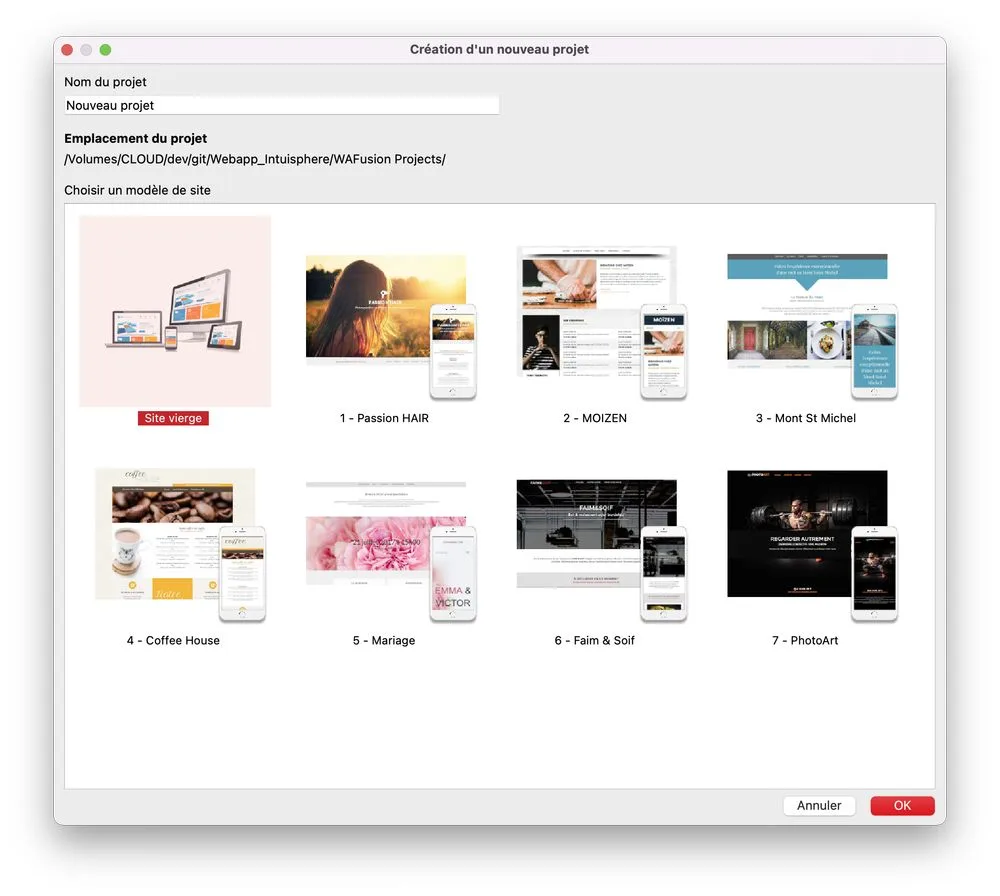
Now it's time to create your first WebAcappella project.
Click on the new project menu
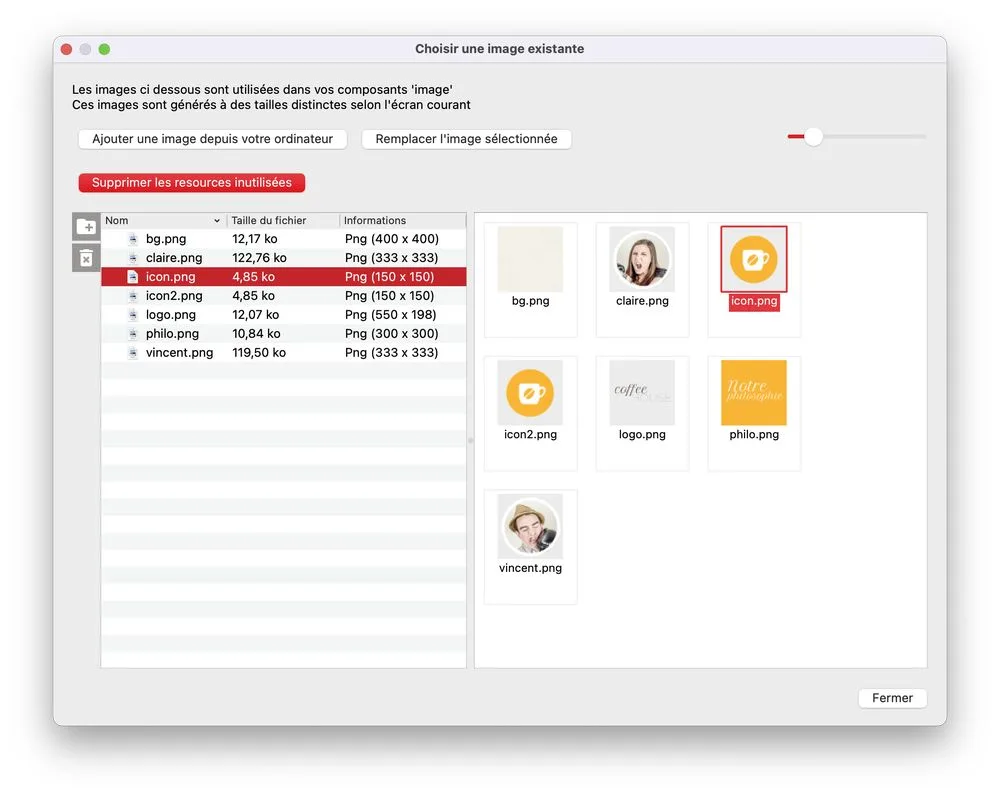
Import your graphic elements into the resource editor
Drag and drop your images from your computer.
3 - Creating headers and footers
Before you start formatting your site, it is important to familiarize yourself with the basic concepts of WebAcappella FUSION.
For a website to be consistent, it generally needs to have common elements across all pages.
These include:
- a header with a menu providing easy access to the main sections of your site
- A "footer" with access to secondary pages (legal notices, etc.)
WebAcappella allows you to create these elements (footer and header) once and then integrate them into all your pages
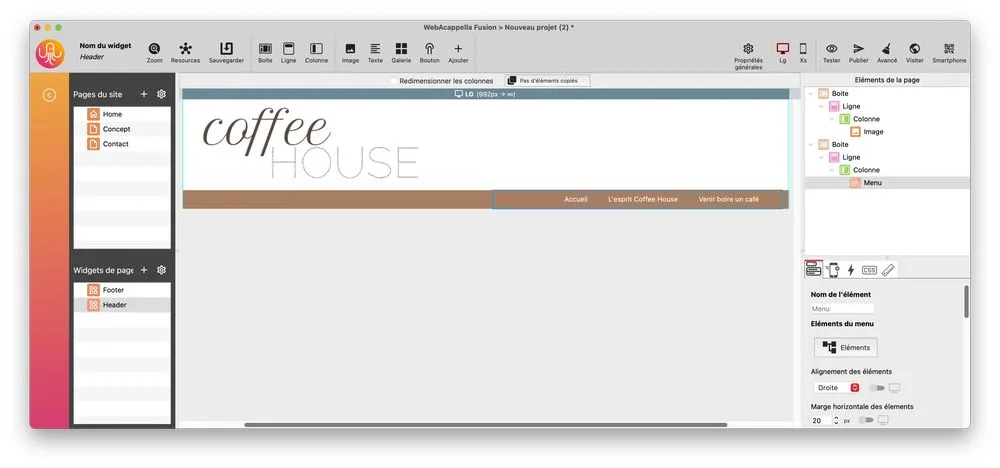
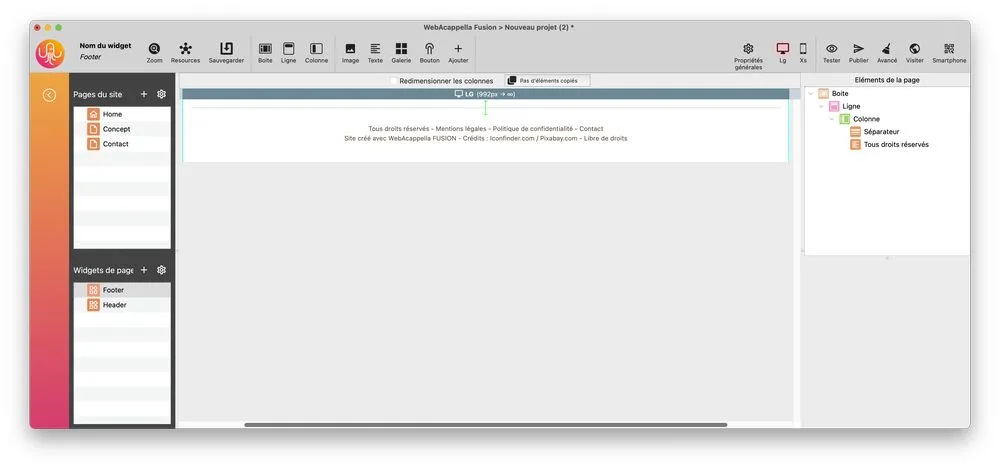
Create a page widget for each of these elements (header and footer).
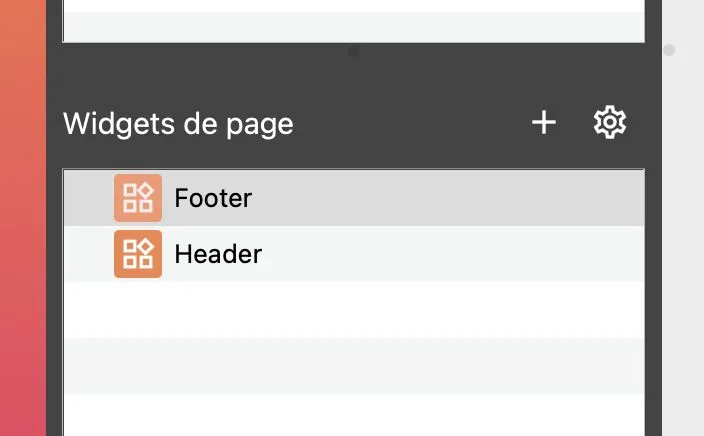
Drag an image and a menu element into the header widget.
The "footer" widget will contain copyright text.
At any time, you can click on "Test" to preview your website.
4- Creating your main page (home page)
Select your home page.
Test the integration of your header and footer on your home page
Page header placement
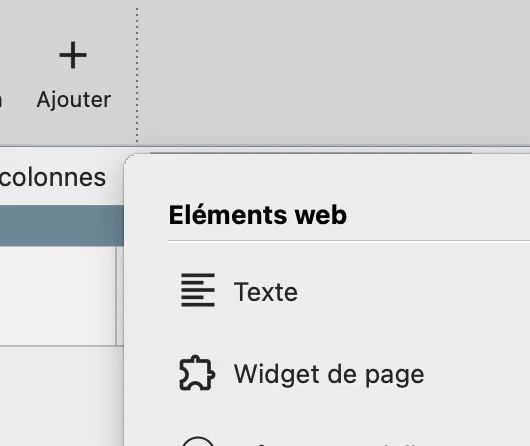
Drag the widget element to the top of the page.
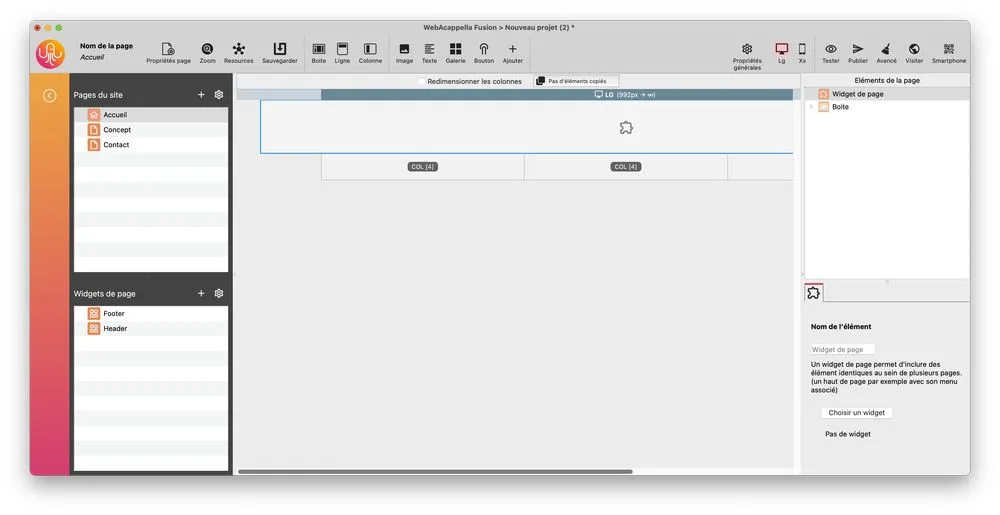
Select the widget you created earlier.
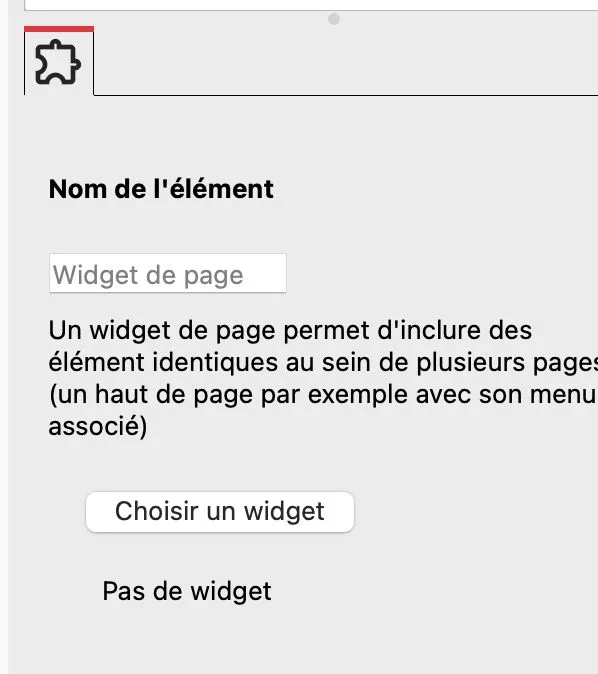
Select the page header.
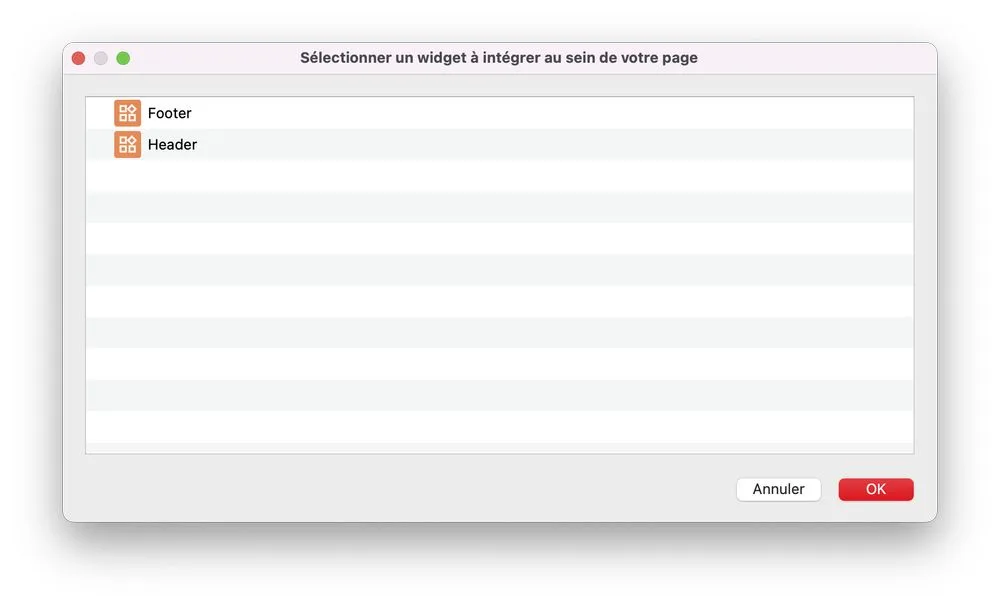
Do exactly the same for the footer, which you will place at the bottom of the page.
Create the content for your home page (text areas and images)
Here is your first page containing:
- a page header (at the top)
- the main body of your page
- a footer (at the bottom)
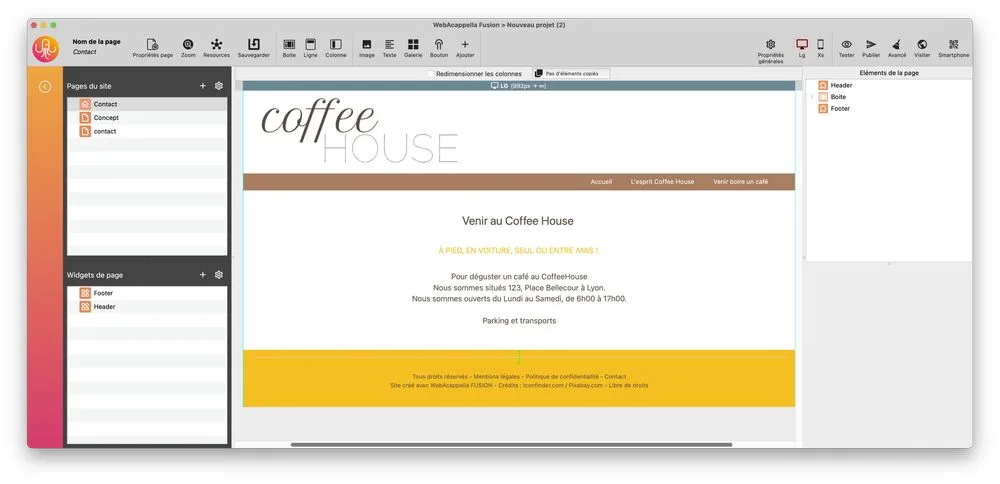
You now need to enter information about your page so that it can be indexed by search engines
Open the page properties

Enter your information
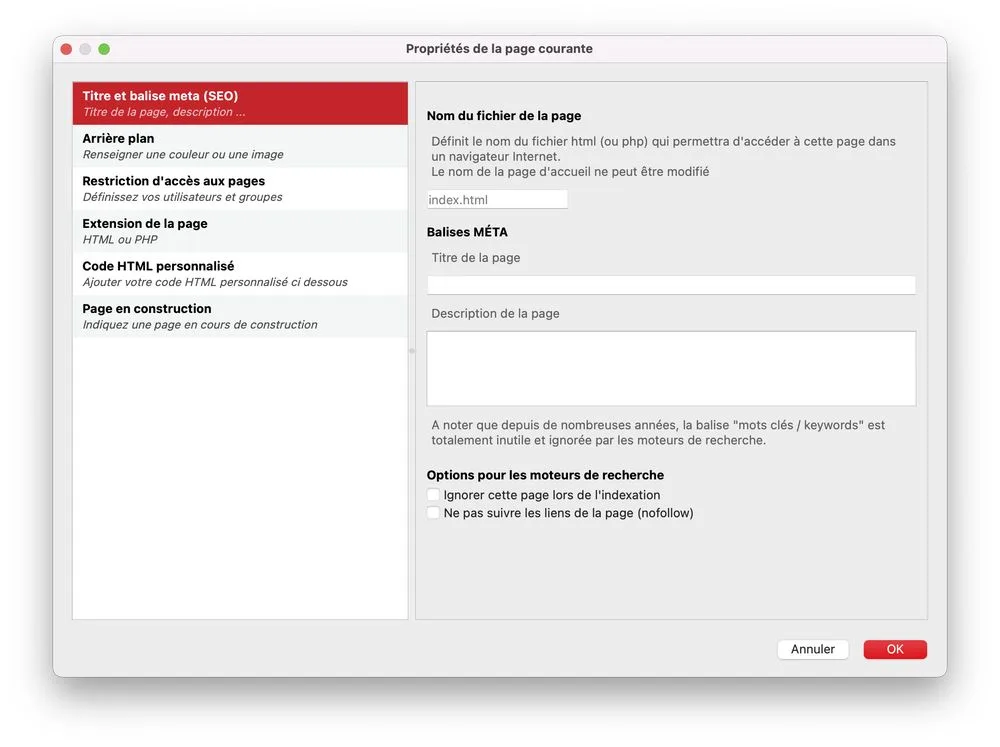
5- Creating all your pages
You can create the other pages of your site from a new blank page or by duplicating your home page
Enter the content for your pages and define the SEO elements for each page, especially the page name
SEO takes time, so be careful not to change the page name too often to avoid disrupting search engines.
6- Publish your site
Your site is now ready to be published on the Internet.
You must purchase a domain name and hosting to transfer all your pages, images, and other files necessary for its operation.
Choosing hosting
Enter the SFTP settings provided by your hosting provider in WebAcappella
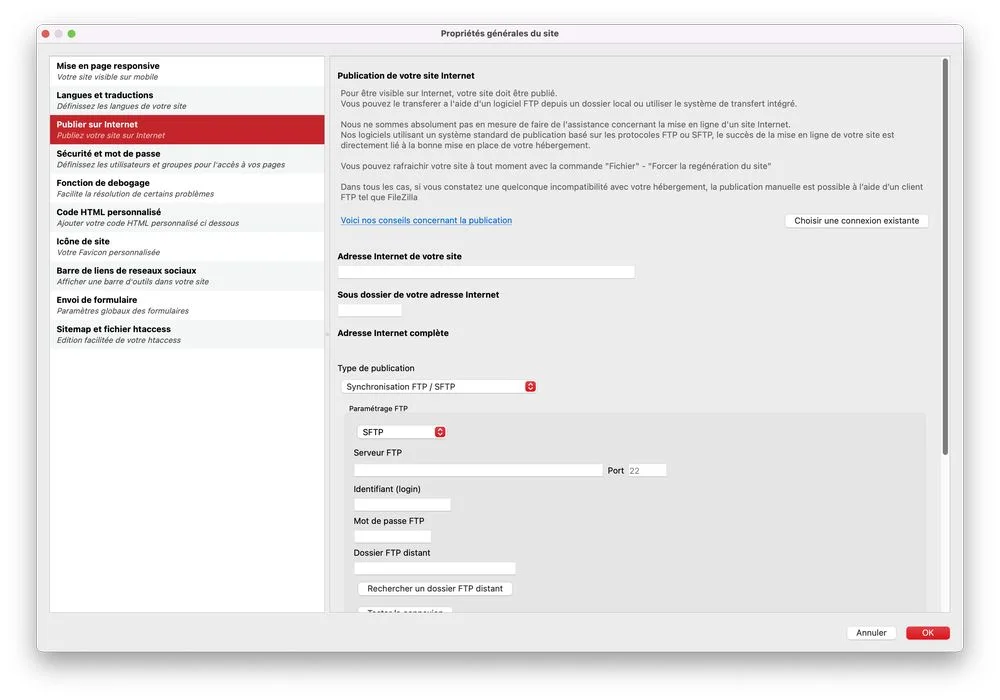
Publish your site.