
Integration / HTML /JS / CSS
WebAcappella Fusion allows the inclusion of code/scripts at several levels.
WebAcappella FUSION is completely independent of the JQuery library, which facilitates the integration of third-party code (no conflicts).
In components
- An HTML component allows you to place code anywhere on your page.
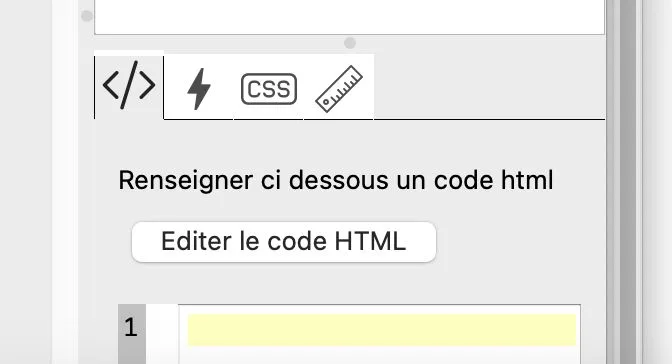
- Within each component, you can enter the name of one or more CSS classes. These classes can be defined in the page properties or even in the site properties.
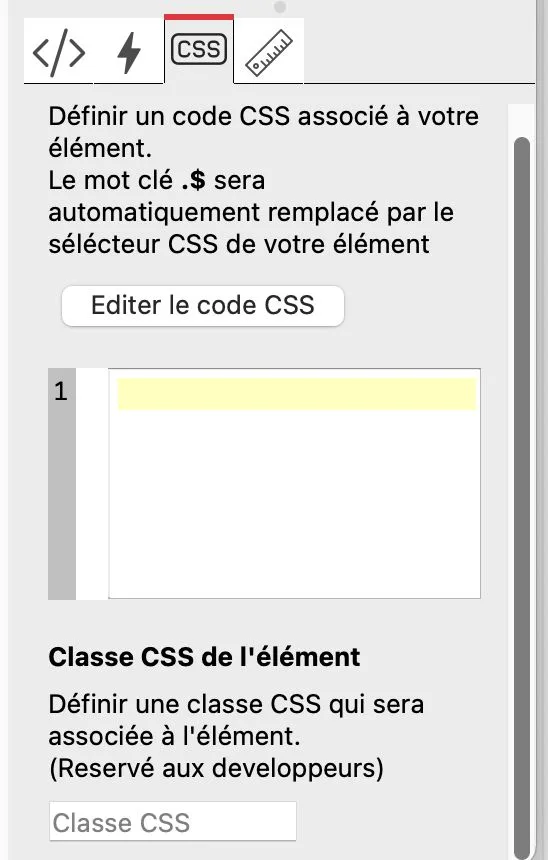
The 'magic' selector
WebAcappella's 'magic' selector .$ makes it easier to write CSS rules for your elements. This selector will be automatically replaced by the selector corresponding to the current component.
Example in a page published with WebAcappella and an image component:
.$
{
   filter: sepia(1);
}
The result will be the application of a "sepia" filter to your image.
On the pages
- On each page, the "Properties" section—under "Custom HTML"—allows you to enter CSS/JS code.
On the website
- In the "General Site Properties" section, the "Custom HTML" section allows you to enter CSS/JS code. Each piece of code will be automatically embedded on all pages.
Using files within your HTML code
You may need to use files within your HTML code. Let’s take the example of embedding a Lottie animation file.
A Lottie animation consists of at least two elements on the page:
- The Lottie Player code, which should be placed in the HEAD section of your page or even in the HEAD section of the site’s general properties.
<script src="https://unpkg.com/@lottiefiles/lottie-player@latest/dist/lottie-player.js"></script>- The code for your Lottie animation
<lottie-player src="URL" background="transparent" speed="1" style="width: 300px; height: 300px;" loop controls autoplay></lottie-player>You can insert the JSON file corresponding to the animation of your choice in place of the URL text.
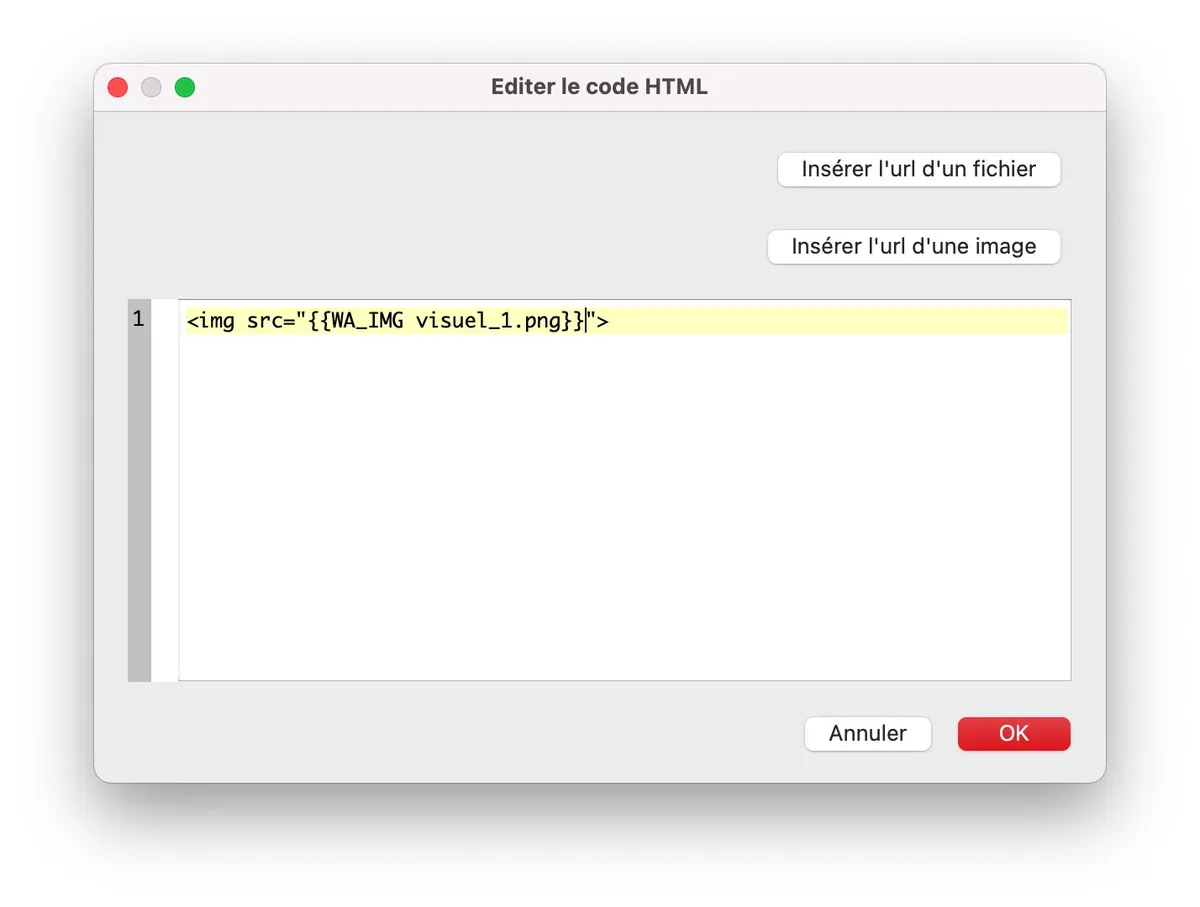
You can find animations, among other things, on the website:
This will result in code that looks something like this:
<lottie-player src="{{WA_FILE 9744-sample-animation.json}}" background="transparent" speed="1" style="width: 300px; height: 300px;" loop controls autoplay></lottie-player>