Creating a multilingual site
Enabling a multilingual site
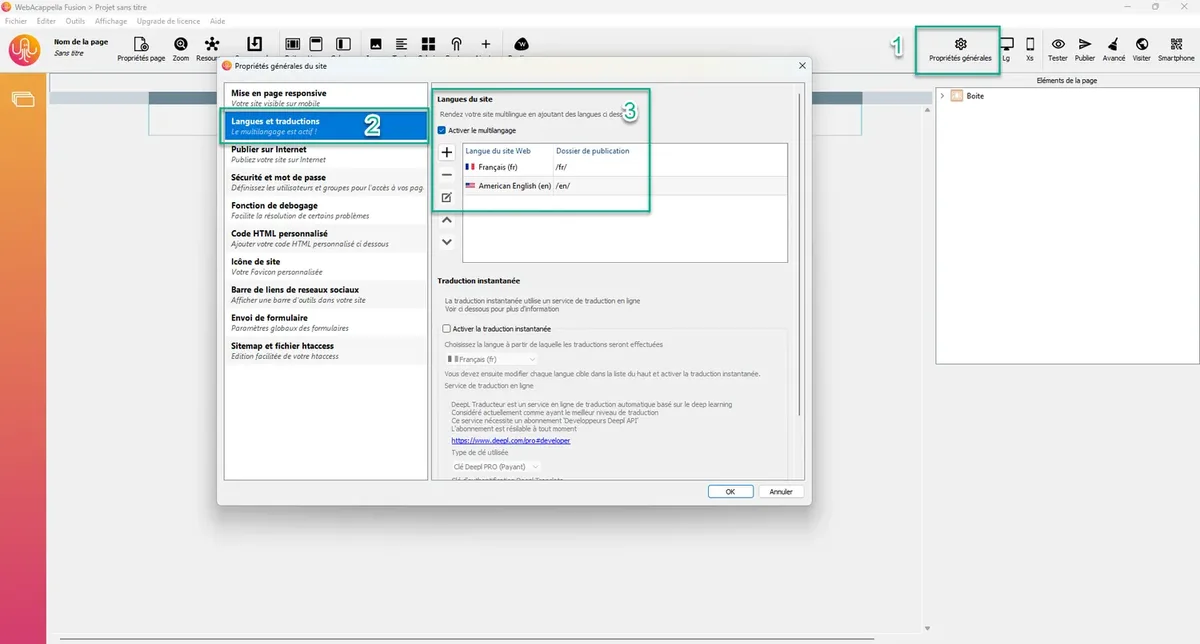
In the general site properties section, the languages section allows you to manage your site's variations by language.
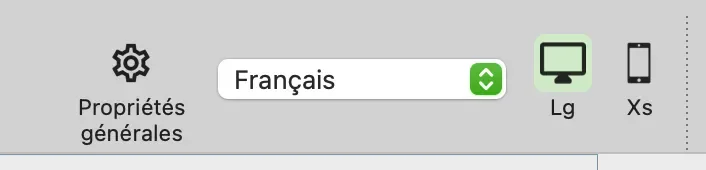
When the multilingual option is enabled, a list in the top toolbar allows you to change the current language at any time.
Change your components according to the language
The language selector allows you to modify the following elements:
- Text areas
- Buttons
- Menus
- Images
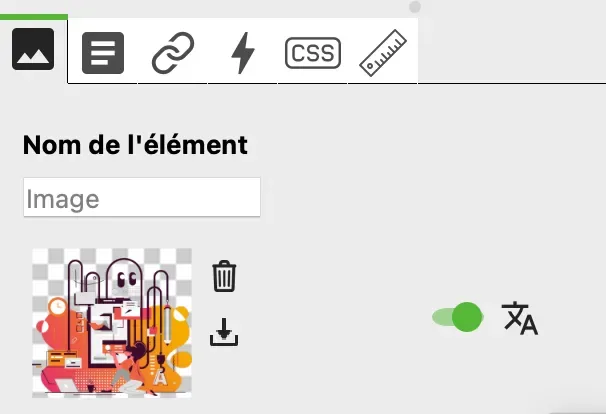
- HTML code areas
Navigation between languages
Links also allow users to navigate between the different versions of your site.
When you create a link, you can find the "change language" option
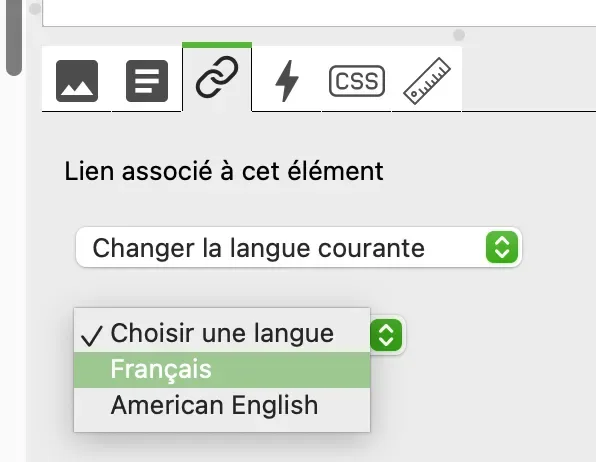
Value depending on the current language
In general, the following element is used to activate or deactivate the language dependency of the value in question.