
Overlaying elements (negative margin)
WebAcappella FUSION allows you to make elements overflow vertically in relation to others using certain CSS properties. This effect will only be visible in test mode and upon publication.
After a few tries and with this tutorial, this principle will become second nature to you, and you won't hesitate to use it to bring your pages to life.
Making an image overflow onto a box
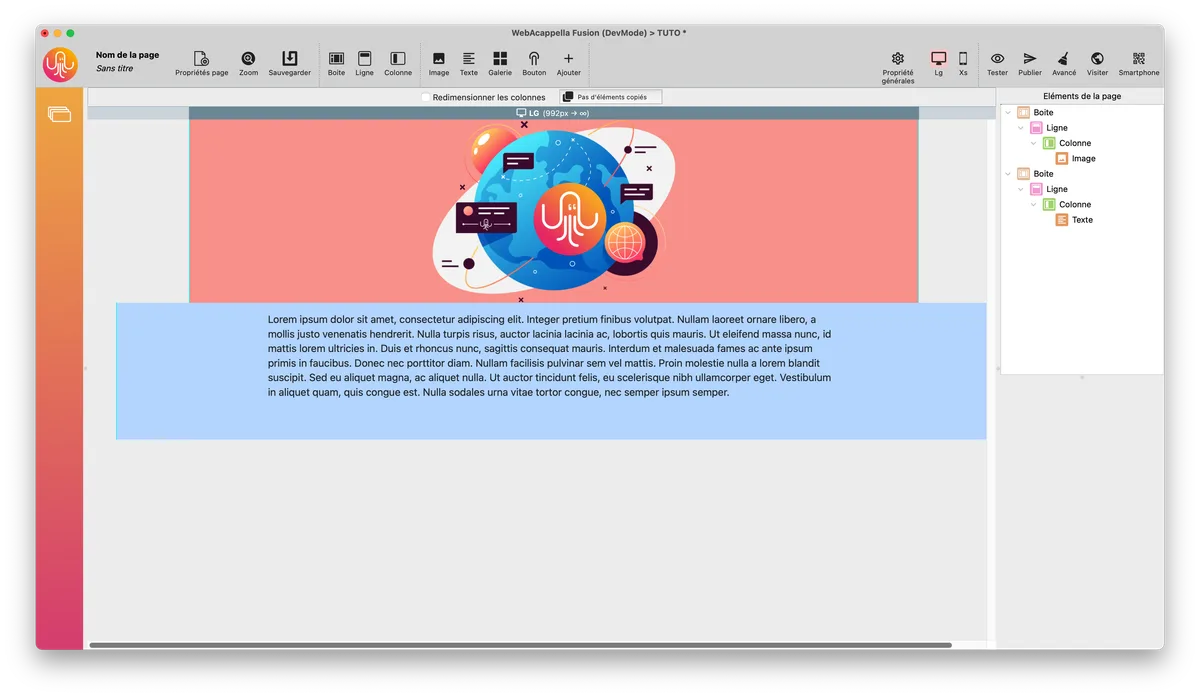
Here are two boxes with an image in the first box (red) and text in the second (blue).
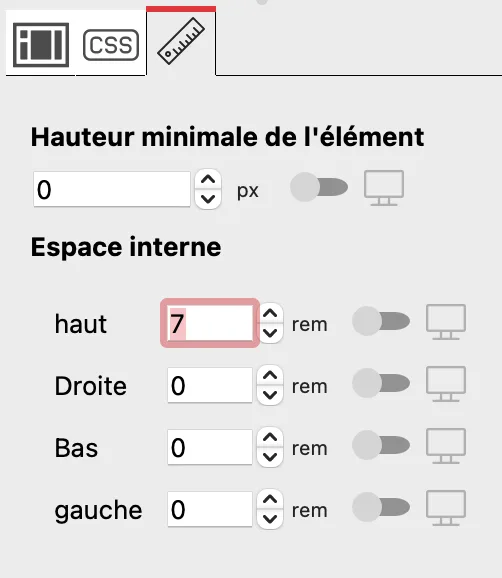
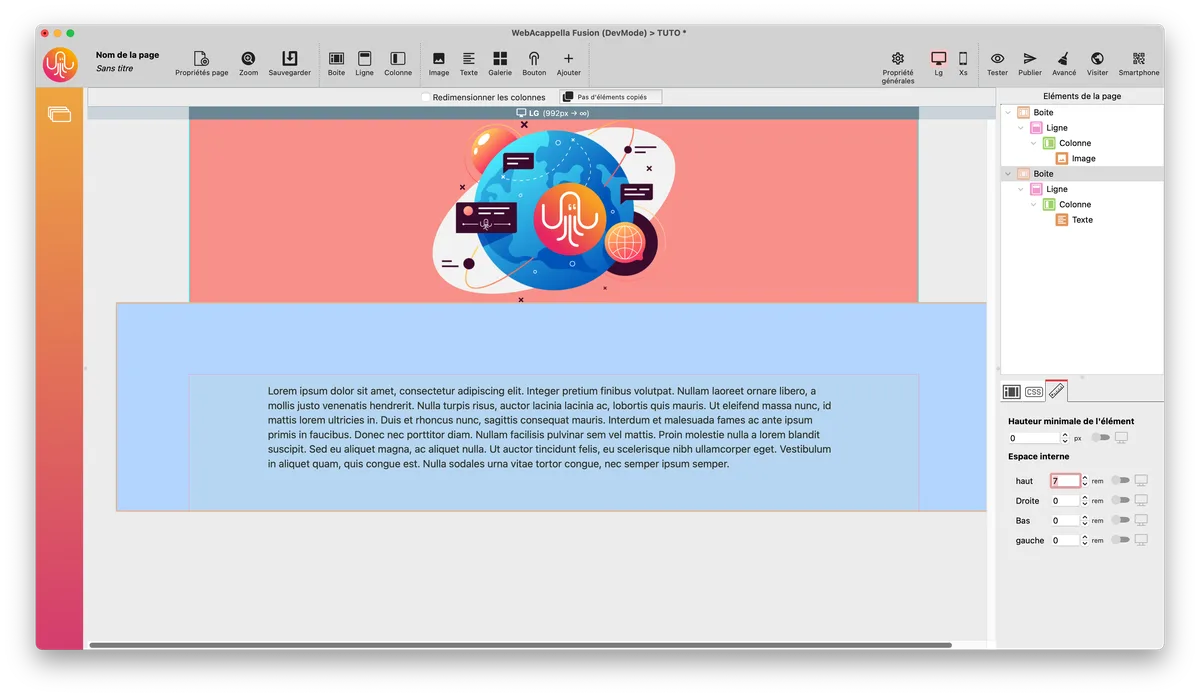
First, I leave space in the second box (blue) with the top margin.
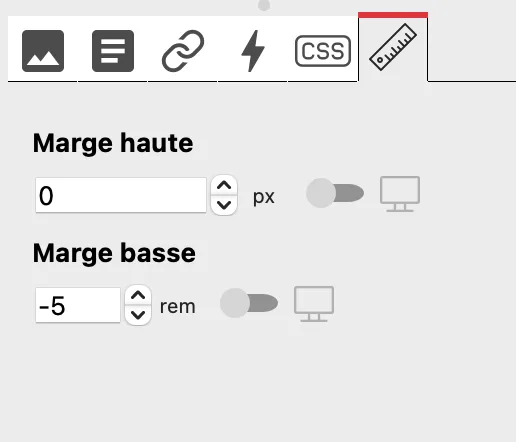
Select the image and apply a negative margin.
Then, see the result in the test.
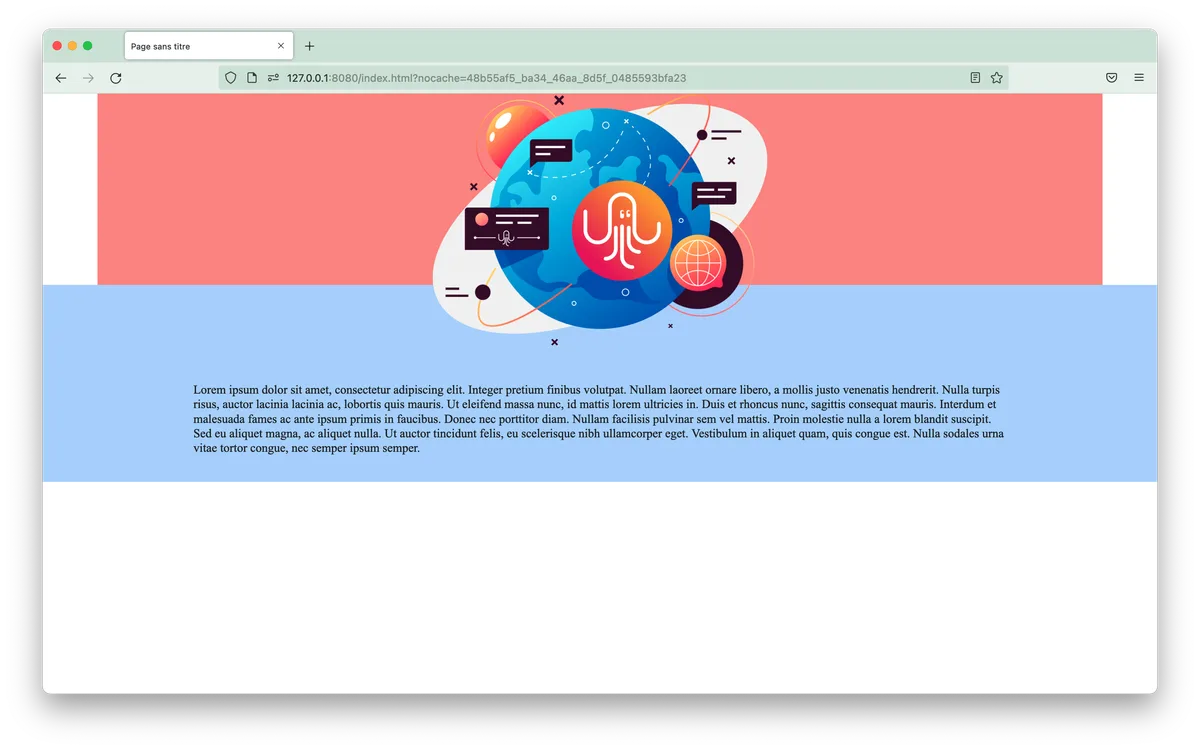
Negative margins are not displayed in the editor, but only in test mode and when published.
Negative margins in CSS comply with official CSS specifications and are therefore valid on all current browsers.