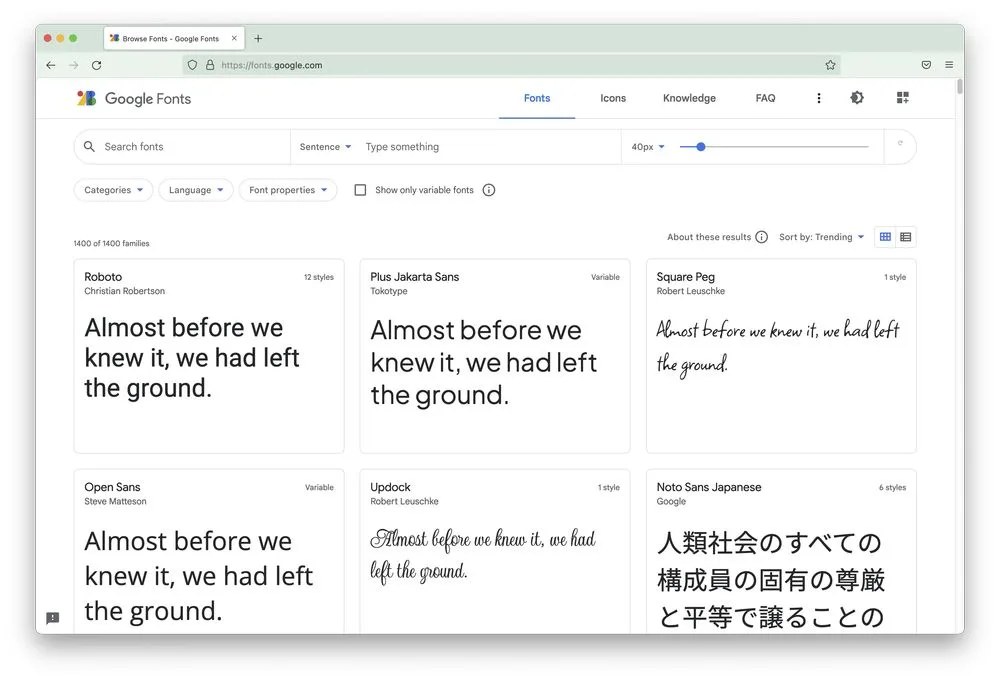
字体
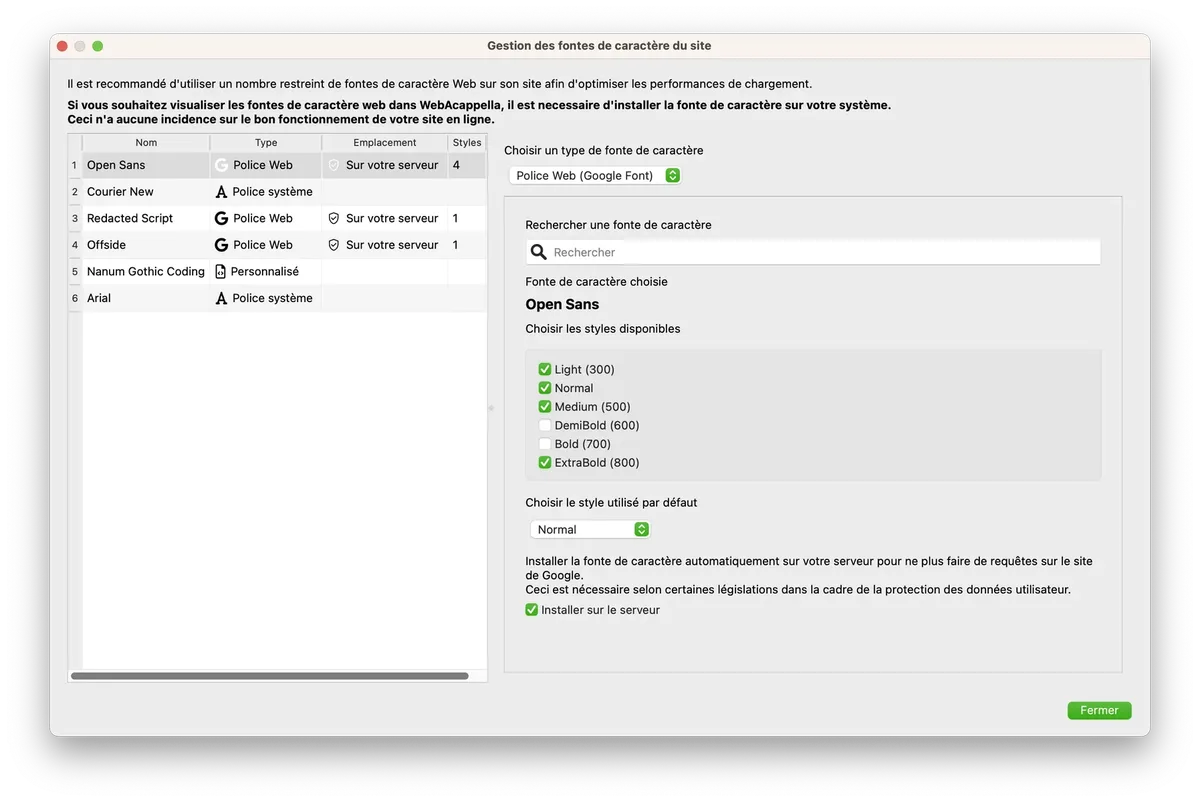
为避免网站过载,WebAcappella允许您设置6种不同的字体。
这些字体分为三种类型:
- 标准文本字体(已安装在您的系统上)
- 网页字体(如GoogleFonts)
- 自定义网络字体(来自免费或付费文件)
建议在整个网站中最多使用一种或两种网页字体。
这样可以确保快速显示和一定的图形一致性。
标准文本字体
标准文本字体是从几乎所有操作系统默认安装的字体(Arial、Times 等)中精选出来的。
此类字体不会消耗任何网络资源,因为它们已存在于您网站访问者的终端设备上。
自定义网页字体
您可以在提供网页字体文件的网站上找到这些字体(免费或付费)。
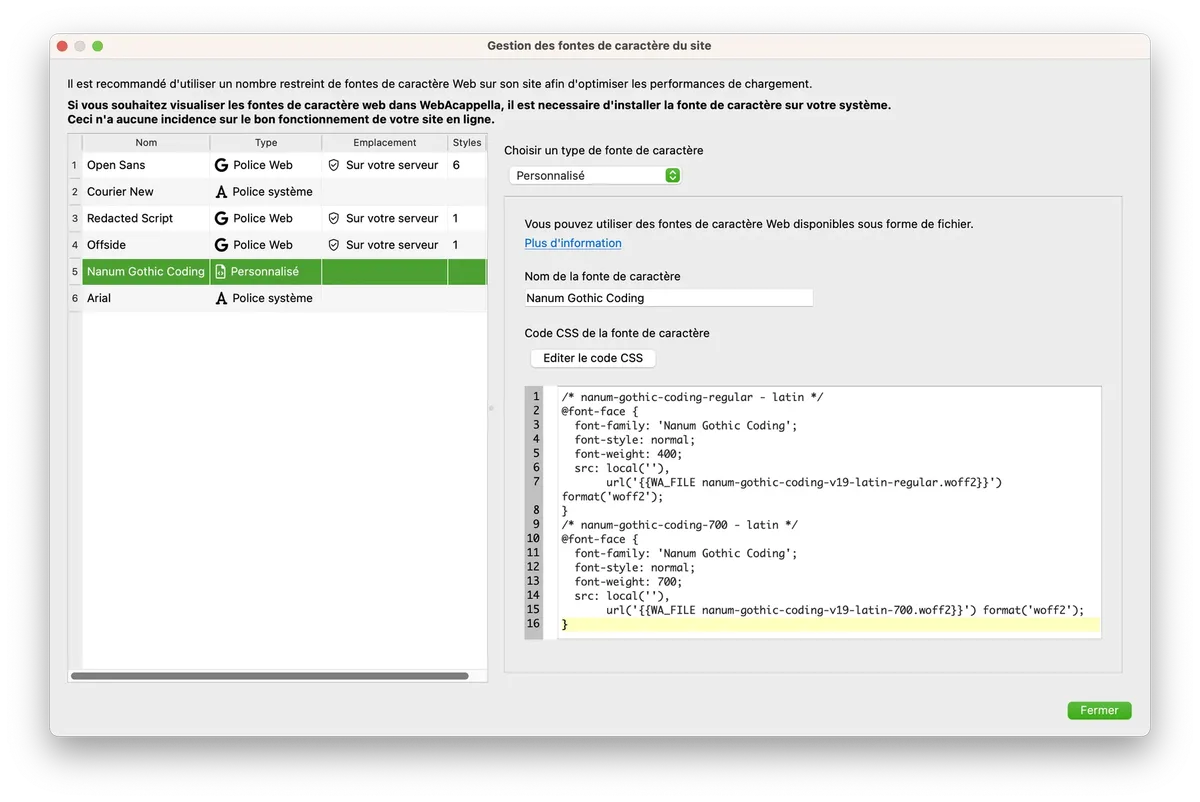
以下是“Amatic SC”字体的托管示例
- 输入字体名称“Amatic SC”
- 将 woff 和 woff2 文件添加到项目中
- 复制 CSS 代码,并加入文件网址('{{ WA_FONT_FAMILY }}' 将自动替换为 'Amatic SC')
/* amatic-sc-regular - latin */
@font-face {
  font-family: '{{ WA_FONT_FAMILY }}';
  font-style: normal;
  font-weight: 400;
  src: local(''),
       url('{{WA_FILE amatic-sc-v24-latin-regular.woff2}}') format('woff2'), /* Chrome 26+, Opera 23+, Firefox 39+ */
       url('{{WA_FILE amatic-sc-v24-latin-regular.woff}}') format('woff'); /* Chrome 6+, Firefox 3.6+, IE 9+, Safari 5.1+ */
}
/* amatic-sc-700 - latin */
@font-face {
  font-family: '{{ WA_FONT_FAMILY }}';
  font-style: normal;
  font-weight: 700;
  src: local(''),
       url('{{WA_FILE amatic-sc-v24-latin-700.woff2}}') format('woff2'), /* Chrome 26+, Opera 23+, Firefox 39+ */
       url('{{WA_FILE amatic-sc-v24-latin-700.woff}}') format('woff'); /* Chrome 6+, Firefox 3.6+, IE 9+, Safari 5.1+ */
}
Google 网页字体
WebAcappella 允许您从 Google 提供的 Web 字体列表(Google Fonts)中进行选择
WebAcappella 将自动下载这些文件并将其安装到您的服务器上。
(在服务器上进行自动安装需要 WebAcappella FUSION PRO 许可证)