Responsive text editing

WebAcappella integrates in several of its components a responsive (or adaptive) text editor

The interest of this editor is to separate the background (textual content) from the form (style, font, etc…)

This has the huge advantage over the classic edition of facilitating the management of shared styles within your site and its multilingual management.

The next evolutions of WebAcappella will allow the use of third party translation services, it will thus be possible for example to translate a complete site without touching up the style of the text.
Block composition

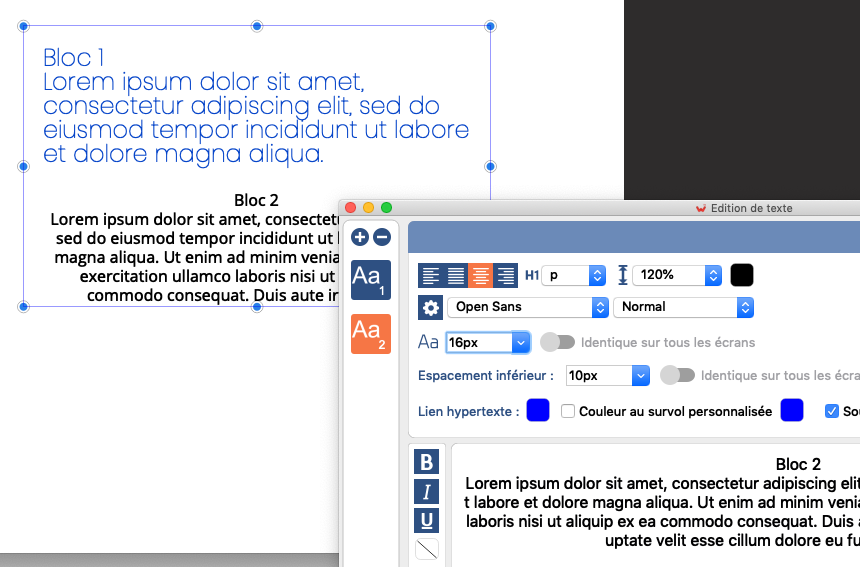
A text box is composed of one or more superimposed text blocks, each with a different style.

../../../_images/sample_text.png

2 text blocks with 2 distinct styles within a text component

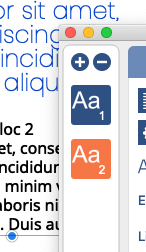
It is possible to add or remove blocks of text using the left side buttons.

../../../_images/bloc_management.png

Managing text properties

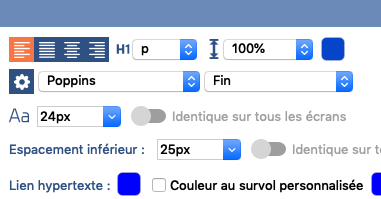
  • The top panel defines the properties of the whole text

    ../../../_images/style_global.png
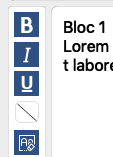
  • The bottom left panel allows you to customize the properties of a portion or selection of text

    ../../../_images/style_selection.png
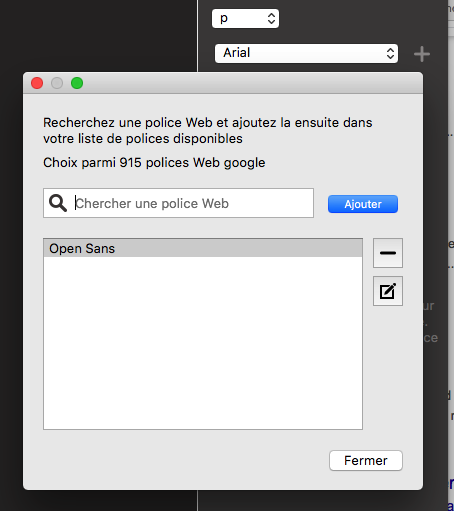
  • Many properties are customizable such as line height and use of web fonts

    ../../../_images/font_manager.png

    Web fonts (Google Font) will allow you to use beautiful fonts visible to everyone.

Shared styles

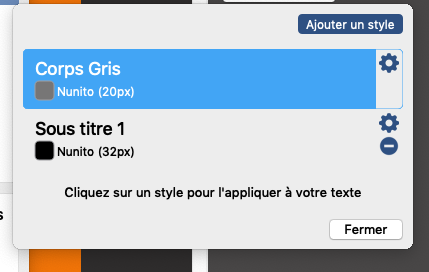
  • The button on the right allows you to edit styles that you can share with other text boxes.

    ../../../_images/styles_popup.png

When you use a shared style, changes made to the style will apply to all text boxes using that style.

If you want your text to have an independent style, you can click on “Detach”

Note

The text size and margin are “responsive”, i.e. they can be set differently depending on the screen to best suit your layout.