Developer / HTML /JS / CSS
WebAcappella Fx allows the inclusion of code/scripts at several levels
An HTML component allows you to place a code anywhere on your page
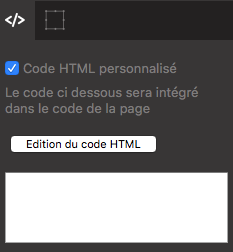
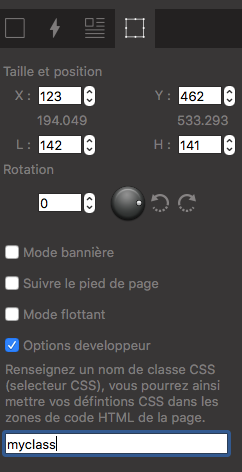
Within each component in the “geometry” tab, there is a property called “Developer Options”

Here you can enter the name of one or more css classes. The definition of these classes can be done in the properties of the page or even of the site.
In each page, the properties section - custom HTML code allows you to fill in CSS/JS code
In the general properties section of the site - the custom HTML code section allows you to fill in CSS/JS code
Tip
Example in a page published with Webacappella and a text component
In the geometry tab -> Developer Options
Fill in the name of css classes: MyCssClass
Then, in the custom code of the page place the following code
<style>
        .MyCssClass
        {
                border: solid 2px red !important;
        }
</style>
The result will be a nice red border around your text component
Note
WaFx is totally independent from Bootstrap and JQuery resources which will facilitate the integration of third party codes (no conflicts)