Management of a multilingual site
Activating a multilingual site
In the general properties section of the site - the languages section allows you to manage the declinations of your site by language
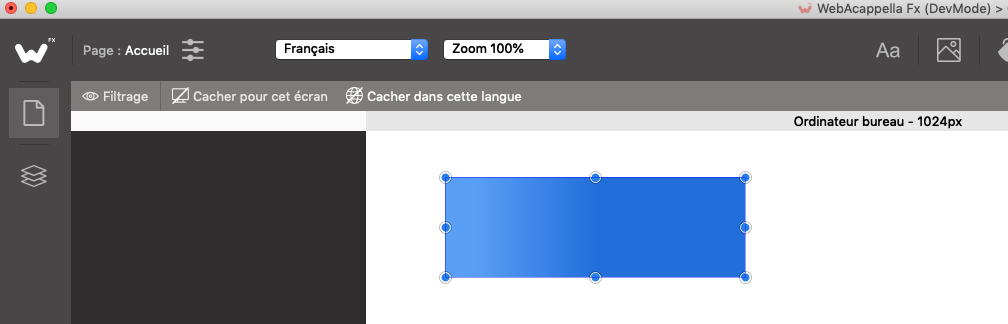
When the multilingual option is active, a list in the upper toolbar allows you to change the current language at any time.
Changing the text of your components
The language selector allows you to change the text of the following items:
Text fields
The buttons
Menus
Hiding according to language
Another valuable function is language-dependent masking.
You can hide or show certain elements depending on the language using the hide buttons located in the small upper toolbar