From a folder on your computer
Introduction to manual (local) publishing
To publish your website using your own publishing tool (FileZilla, for example), first configure WebAcappella to publish directly to a specific folder on your computer.
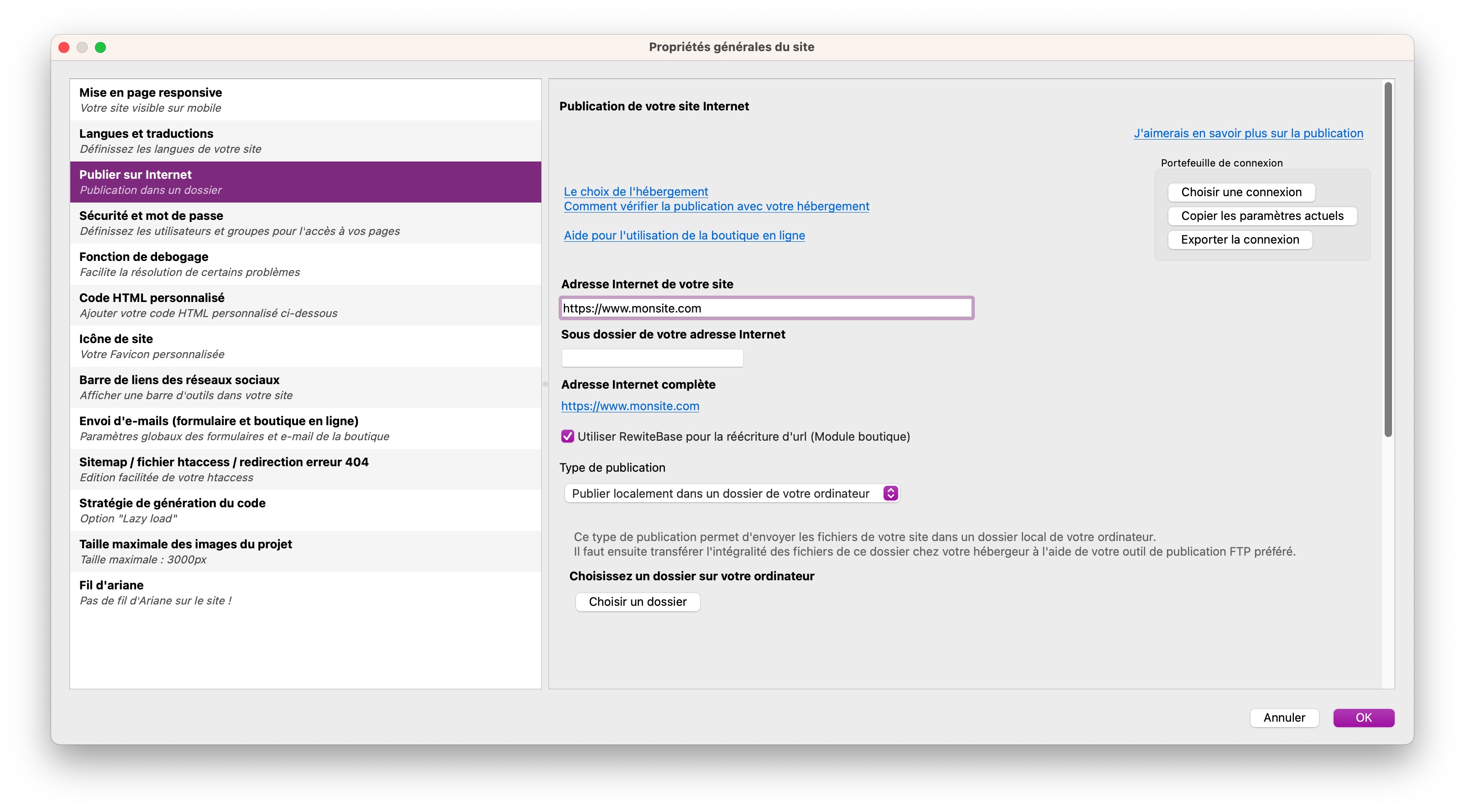
Publication process
Configuration: Choose the target folder where the site files to be published will be saved.
For example:
C:/Mes documents/monsite_a_publier/
Publishing: Once configuration is complete, start publishing. All files and folders required for your site will be generated in this specified folder on your computer.
Transfer to server: - Use FTP software such as FileZilla to transfer the contents of this local folder to your online server.