Page Widgets
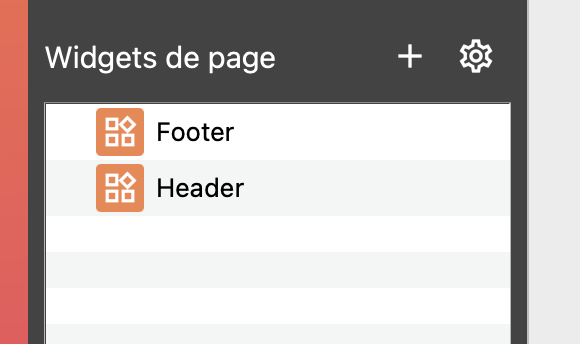
The page widget is a key element in WebAcappella. It improves your productivity by avoiding the repetition of groups of elements on several pages, such as a footer or header.
You can see how they’re used in the sample sites supplied with WebAcappella.
Create a new page widget
A page widget is defined as a normal page.
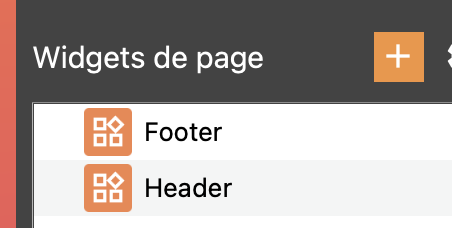
Inserting a widget component

The widget component can be inserted in two ways:
In a column, as a standard component (image, text, etc.).
At the box level, directly at the root of the page.

Select a page widget
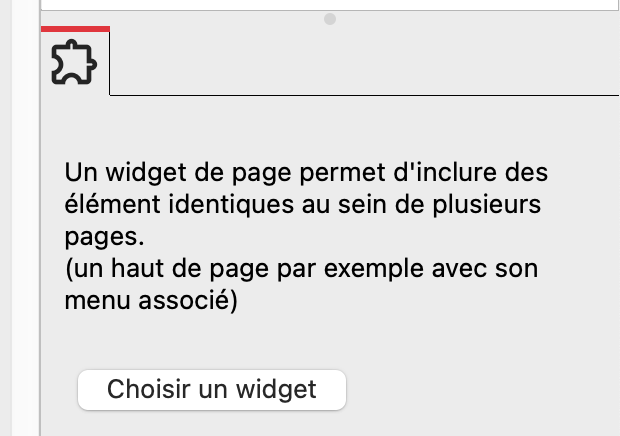
Once the widget component has been added to your page, you need to select the referenced page widget.

Note
In WebAcappella FUSION, page widgets are similar to WebAcappella GRID subpages, but with more possibilities.